mlhackey's pick · Updated July 2026
Lenovo 2026 IdeaPad Slim 3 Laptop
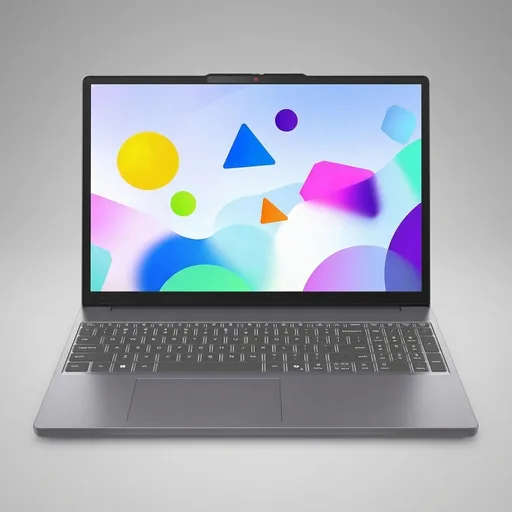
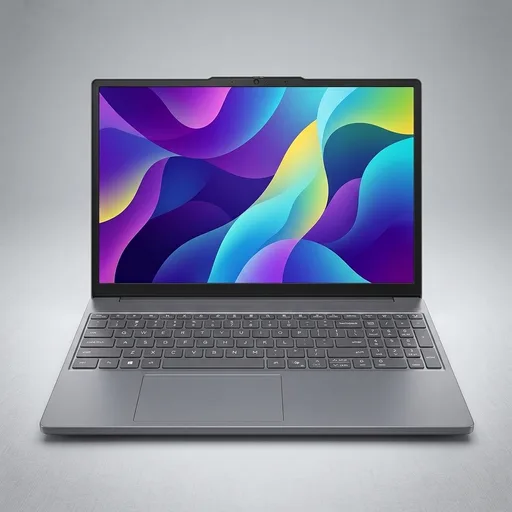
A thin-and-light laptop like this may suit students, commuters, and office users who want a 15-inch class machine without a lot of bulk. The appeal here is mostly in the balance of parts: a Core i5 H-series processor, 24GB of DDR5 memory, a 512GB SSD, and a 15.3" anti-glare display. That mix points toward everyday productivity, lots of browser tabs, office work, video calls, and lighter creative tasks more than heavy gaming or workstation use.
The memory amount is the detail that stands out first. 24GB is more than many mainstream laptops ship with, and that can help if the workload is messy and open-ended, with documents, browsers, chat apps, and spreadsheets all running at once. The SSD should be enough for typical school files, office software, and a reasonable photo or media library. The included Office 365 mention may also matter to buyers who want a ready-to-use productivity setup rather than planning to assemble everything separately.
The display size is worth checking against your own habits. A 15.3" panel gives more room than a compact 13-inch model, but it also makes the chassis less travel-friendly than an ultra-small laptop. The anti-glare finish can be useful in bright rooms or under office lighting, though shoppers should still confirm brightness, color accuracy, and viewing angles if screen quality matters for editing or long reading sessions. The listing also mentions Copilot, so it is worth confirming exactly which AI features are built in and which depend on Microsoft software or an internet connection.
The evidence here is mostly listing-based, so the right approach is to treat this as a spec-sheet comparison rather than a performance claim. On paper, it looks aimed at people who need a practical machine for school or work and want extra memory headroom without moving up to a heavier premium laptop. That said, battery life, keyboard feel, thermals, port selection, and upgradability are the key things to research before buying, because those details often decide whether a laptop feels good after the first week.
This may be a sensible fit for someone who wants a straightforward Windows laptop with more RAM than the usual entry-level model and does not need a gaming or creator rig. It makes the most sense as a practical everyday computer: enough screen, enough storage, enough memory, and a feature set that should cover common work and study needs. If those are the priorities, this looks like a sensible place to compare against other laptops in the same size and price range.
Amazon product links on this guide are not currently affiliate links. Neither mlhackey nor Buyer Field Guide earns an affiliate commission from them.
See current price